Guides
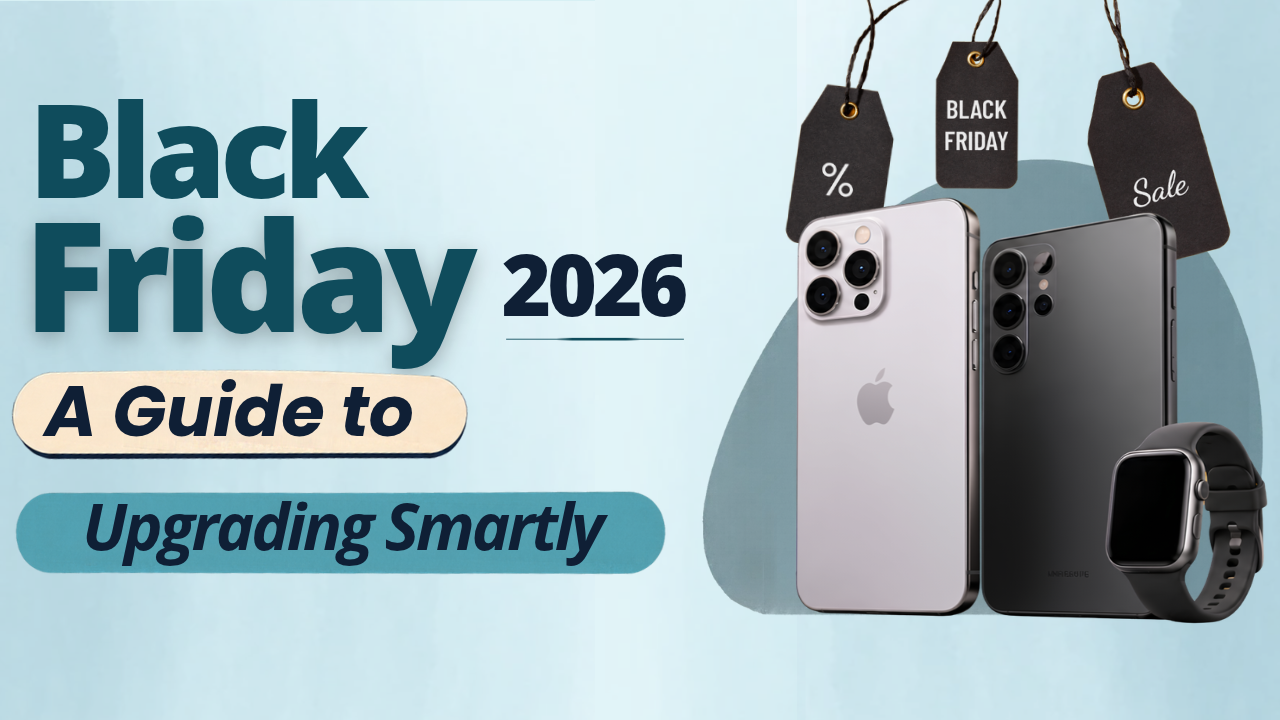
A Black Friday 2026 Guide to Upgrading Smartly
Listen to this article
In this article
Table of Contents
Introduction
How Long Devices Really Last
Seven Signs It’s Time to Upgrade
Why Resale Value Falls and When to Act
Sell Before You Buy with SellNService
One Quick Note on the Sale
Final Thought
FAQ
Black Friday lands on Friday, 27 November 2026, with Cyber Monday following on 30 November. Every sale raises the same question: is it time to replace what you have? A big discount can make any device look tempting, but the smarter question is where your current one sits in its life and what it’s still worth. A phone with a fading battery, a laggy laptop, or a tablet gathering dust may already be telling you something. Before you chase a deal, take a moment to check your device’s age, condition, and resale value.
Selling an old gadget early often gives you a clearer budget and a better price than waiting. This guide explains how long devices typically last, which signs point to an upgrade, and how to decide with confidence instead of impulse so your money goes much further.
How Long Devices Really Last
No gadget has a fixed expiry date, but most follow a familiar pattern. As rough guidance:
Smartphones: Often feel fine for around three to four years, after which battery wear, slower performance, and ending software support start to bite.
Laptops: Commonly serve well for four to six years, depending on how demanding your work is.
Tablets: Usually last four to five years of regular use.
Earbuds and wearables: Batteries tend to fade first, often within two to three years.
Usage matters as much as age. A phone used for heavy gaming and constant charging ages faster than one used for calls and messages. Treat these as starting points, not deadlines.
Seven Signs It’s Time to Upgrade
Age alone isn’t a reason to buy. These signals tell you far more:
The battery won’t last the day: If you’re charging mid-afternoon and carrying a power bank, the battery is spent.
Software updates have stopped: Without security patches, your data and accounts are more exposed.
Everyday apps lag or crash: Slowness in basic tasks means the hardware is struggling.
Storage is always full: If you’re deleting photos to install an update, you’ve outgrown the device.
Overheating: Frequent heat during light use often points to ageing components.
Physical damage: A cracked screen or failing port affects daily use and lowers resale value further.
It can’t do what you now need: New work tools, camera needs, or video calls may demand more than it offers.
If you tick one or two of these, you can probably wait. If you tick three or more, an upgrade is likely worth planning.
Why Resale Value Falls and When to Act
A device’s resale value drops steadily over time, and it drops faster when a newer model launches or when the device develops visible wear. Value usually depends on:
Model and age: popular, recent models hold their worth better.
Condition: scratches, dents, and screen damage reduce offers.
Battery health: a weak battery lowers the price.
Storage capacity: larger versions often fetch more.
Working order: every button, camera, and port should function.
Original box, charger, and bill: these add trust and can lift the price.
The practical takeaway is that waiting rarely raises the value of an old device. If you’ve already decided to upgrade, selling sooner generally gets you more than selling months later.
Sell Before You Buy with SellnService
Once you’ve decided to upgrade, the order of steps matters. Selling your old gadget first tells you exactly how much you can spend and stops its value from slipping further. SellnService lets you check what your phone, tablet, or laptop is worth, then sell or trade it in, so the money is ready when you need it. Before handing anything over, back up your data, sign out of your accounts, and factory reset the device.
One Quick Note on the Sale
Retailer dates and prices can change, so confirm the final price and warranty terms on the store’s own page before you buy. Beyond that, let your upgrade signals and budget guide the decision, not the countdown timer.
Final Thought
A good upgrade isn’t about the biggest discount. It’s about knowing how much life your device has left, recognising the signs it’s fading, and capturing its resale value while it still counts. Do that, and Black Friday becomes a plan rather than an impulse.
FAQ
Q1. When is Black Friday 2026?
Friday, 27 November, with Cyber Monday on Monday, 30 November.
Q2. How long should a smartphone last?
Roughly three to four years for most people, though battery wear, software support, and usage habits can shorten or extend that.
Q3. What’s the clearest sign I need to upgrade?
A device that no longer receives security updates, or a battery that can’t get you through the day.
Q4. Does my old phone lose value if I wait?
Usually yes. Values tend to fall over time, especially after newer models launch.
Q5. What should I do before selling my device?
Back up your data, sign out of all accounts, and perform a factory reset.
Not sure if it’s time to upgrade? Check your device’s value at SellnService and decide with real numbers.